Pixelos
macOS용으로 만든, 빠르고 군더더기 없는 픽셀 아트 에디터.
무엇을 하나
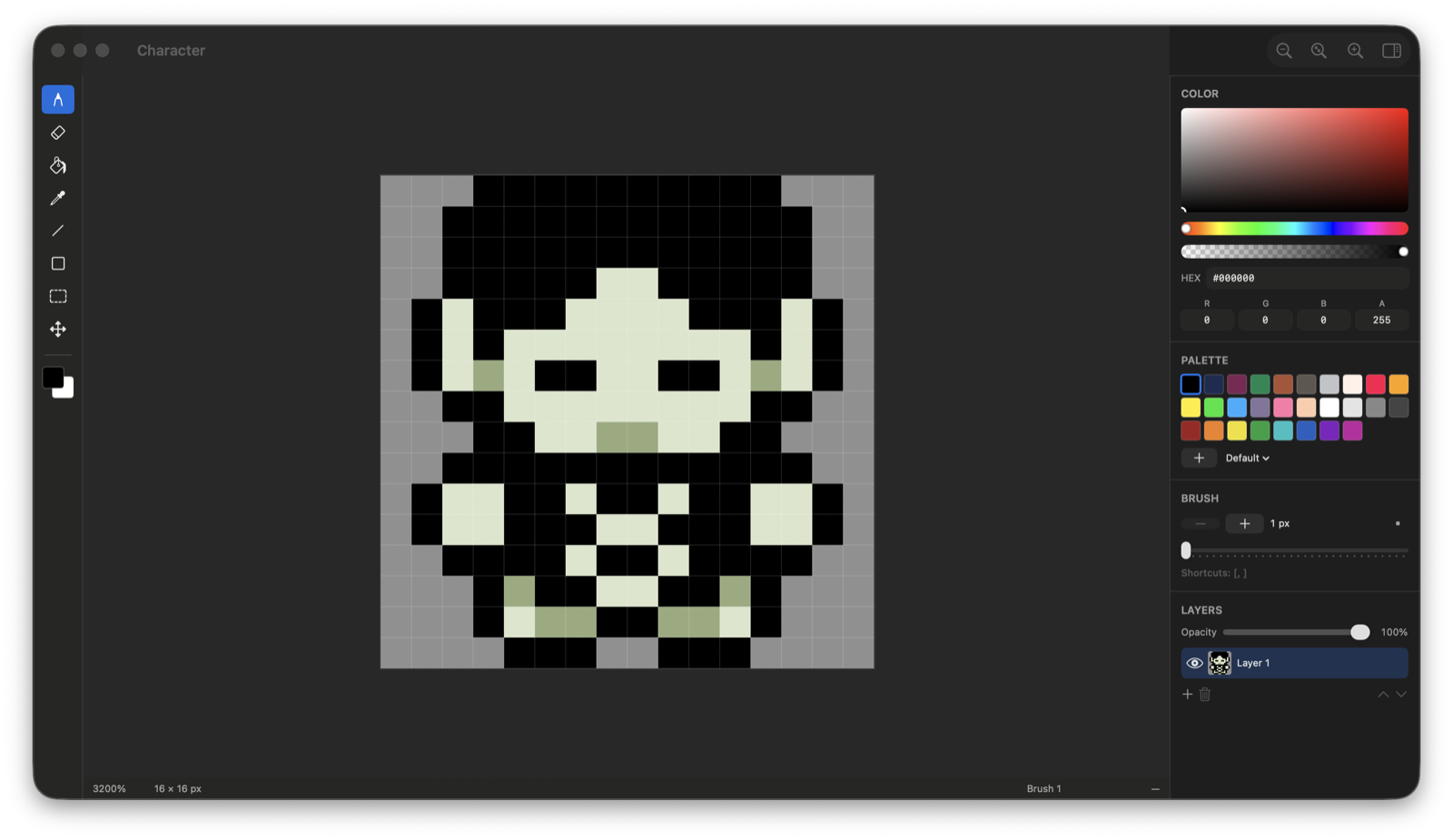
툴 열 가지
연필, 지우개, 채우기, 스포이트, 선, 사각형, 타원, 삼각형, 이동, 사각 선택. Shift를 누르면 정사각형, 원, 정삼각형이 됩니다. 정수 브레젠험과 최근접 이웃 확대 — 어디에도 안티에일리어싱은 없습니다.
픽셀 퍼펙트
자유선이 꺾이는 지점에서 모서리 픽셀을 도로 지웁니다. 선이 두 겹으로 두꺼워지지 않고 1픽셀로 유지되고, 지운 자리에 있던 그림은 그대로 돌아오며, 획 전체는 여전히 실행 취소 한 단계입니다.
레이어
불투명도, 표시 여부, 순서 바꾸기, 아래로 합치기. 실행 취소는 바뀐 영역만 기억해서 큰 캔버스에서도 가볍습니다.
복사와 붙여넣기
활성 레이어만, 또는 보이는 그대로 복사합니다. 붙여넣은 픽셀은 내려놓기 전까지 캔버스 위에 떠 있습니다 — 끌거나 방향키로 옮긴 다음 Return으로 놓고, Esc로 버립니다. 다른 프레임의 제자리로, 새 레이어로, 새 문서로도 붙여넣을 수 있습니다.
애니메이션
프레임 타임라인, 프레임별 시간, 반복 재생, 그리고 어니언 스킨 — 지난 프레임은 따뜻하게, 다음 프레임은 차갑게. 새 프레임은 앞 프레임에서 시작하므로 바뀌는 부분만 그리면 됩니다.
대칭
같은 획을 좌우로, 상하로, 네 방향 모두로, 또는 두 대각선 중 하나를 기준으로 함께 그립니다. 칠하는 툴 전부에 한 번에 적용됩니다.
내보내기
PNG, JPEG, BMP, ICO, SVG로 25%부터 1000%까지. 스프라이트 시트는 행, 열, 격자로 — 여백과 잘라내기, 선택적 JSON까지 — 타임라인은 반복 GIF로, 또는 프레임마다·레이어마다 파일 하나씩 폴더에.
키보드 우선
모든 툴이 키 하나 거리에 있고, 한글 입력 상태에서도 단축키가 그대로 동작합니다. 스페이스를 누른 채 끌면 이동, 휠을 굴리면 포인터 자리를 기준으로 확대·축소.
설치
내려받은 자리에서 한 번 실행하면 앱이 스스로 응용 프로그램 폴더로 옮겨갈지 물어봅니다. 그러라고 하면 거기 있던 기존 Pixelos는 휴지통으로, 방금 내려받은 사본도 함께 — Pixelos 하나만 제자리에 남습니다. 완전히 지우는 것은 없고, 동의하기 전에는 아무 일도 일어나지 않습니다.
문의
버그, 요청, 그 밖에 무엇이든 — benfsong11@naver.com